
Start with “Do not speak sensitive information in public”
Do not begin with a broad reset. Check the following first so you can isolate the problem and avoid unnecessary data loss or reconfiguration.
- Do not speak sensitive information in public
- Check microphone permission for the search app
- Make sure the selected language matches what you speak
Understand which layer owns the behavior
Change one condition and retest
Work from the top and stop as soon as the issue is resolved. Read every confirmation screen before moving to a higher-impact action.
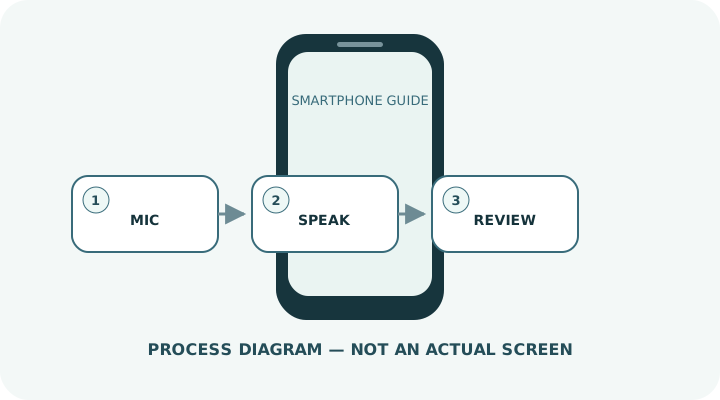
- 1Tap the microphone in the Google app, browser or search widget.
- 2Speak a short phrase and separate names or places clearly.
- 3Correct the text or repeat the request with more detail if recognition is wrong.
- 4If nothing happens, test the microphone with a recording app.
- 5If recording works, check the search app’s microphone permission, language and connection.
Do not erase the evidence before isolating the cause
- Speaking passwords or addresses in public
- Mixing several languages in one phrase
- Assuming hardware failure while a case blocks the microphone
Prepare for a faster diagnosis next time
- Set the languages you use most often
- Keep microphone openings clear without inserting sharp objects
Frequently asked questions
What if my screen looks different?
Labels and locations vary by OS, manufacturer, model and region. Use Settings search and check the manufacturer’s model-specific instructions.
What if I am unsure partway through?
Go back and confirm that no action has been committed. Do not proceed through an erase or account-change warning until you understand it.
What if the problem remains?
Test another connection or accessory where relevant, verify backups, then contact the manufacturer or carrier through official support.