
Start with “Do not leave passwords or card numbers in the clipboard”
Do not begin with a broad reset. Check the following first so you can isolate the problem and avoid unnecessary data loss or reconfiguration.
- Do not leave passwords or card numbers in the clipboard
- Check whether the apparent text is actually part of an image
- Some apps intentionally prevent copying
Understand which layer owns the behavior
Change one condition and retest
Work from the top and stop as soon as the issue is resolved. Read every confirmation screen before moving to a higher-impact action.
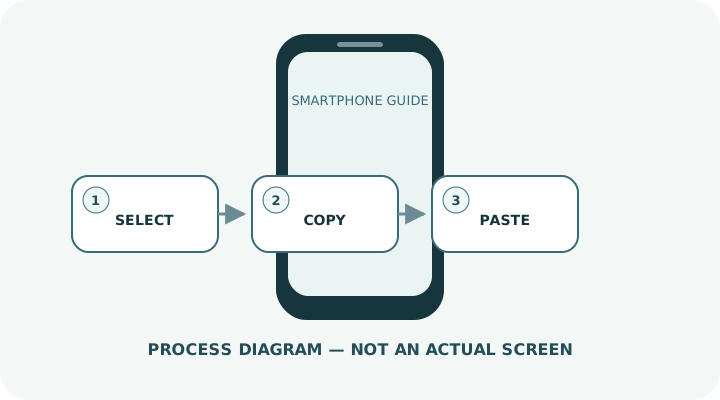
- 1Long-press near the text you want.
- 2Drag the selection handles until the correct range is highlighted.
- 3Choose Copy from the menu.
- 4Open the destination, long-press the text field and choose Paste.
- 5Use Cut only when you intend to remove the original text.
Do not erase the evidence before isolating the cause
- Including extra line breaks or punctuation
- Pasting confidential content into the wrong app
- Overwriting the clipboard by copying something else
Prepare for a faster diagnosis next time
- Review the full pasted text before sending
- After copying sensitive information, replace it by copying harmless text
Frequently asked questions
What if my screen looks different?
Labels and locations vary by OS, manufacturer, model and region. Use Settings search and check the manufacturer’s model-specific instructions.
What if I am unsure partway through?
Go back and confirm that no action has been committed. Do not proceed through an erase or account-change warning until you understand it.
What if the problem remains?
Test another connection or accessory where relevant, verify backups, then contact the manufacturer or carrier through official support.