
Start with “Fit the whole code in view with adequate light”
Do not begin with a broad reset. Check the following first so you can isolate the problem and avoid unnecessary data loss or reconfiguration.
- Fit the whole code in view with adequate light
- Read the displayed domain before opening it
- For payments or sign-in, reopen the service through its official app
Understand which layer owns the behavior
Change one condition and retest
Work from the top and stop as soon as the issue is resolved. Read every confirmation screen before moving to a higher-impact action.
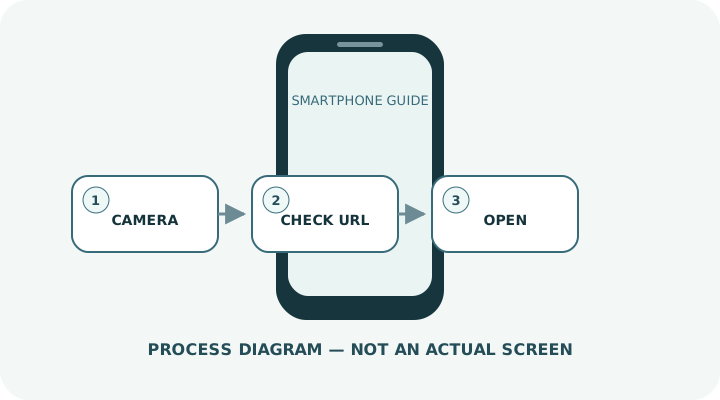
- 1Open the standard camera and frame the entire code.
- 2Before tapping, inspect the domain and whether the destination matches the expected purpose.
- 3Change the angle or distance if printed material reflects light.
- 4Increase the other screen’s brightness when scanning a displayed code.
- 5For a saved image, use the photo app’s recognition feature or Google Lens where available.
Do not erase the evidence before isolating the cause
- Assuming a shortened URL is safe
- Scanning a sticker placed over the original code in a public location
- Installing an app or configuration profile without verification
Prepare for a faster diagnosis next time
- Verify the merchant and amount before confirming a QR payment
- Close suspicious links and navigate to the official site yourself
Frequently asked questions
What if my screen looks different?
Labels and locations vary by OS, manufacturer, model and region. Use Settings search and check the manufacturer’s model-specific instructions.
What if I am unsure partway through?
Go back and confirm that no action has been committed. Do not proceed through an erase or account-change warning until you understand it.
What if the problem remains?
Test another connection or accessory where relevant, verify backups, then contact the manufacturer or carrier through official support.