
Start with “Do not sign in or pay through an SMS link”
Do not begin with a broad reset. Check the following first so you can isolate the problem and avoid unnecessary data loss or reconfiguration.
- Do not sign in or pay through an SMS link
- A sender name alone does not prove authenticity
- Be cautious of urgency, shortened URLs and attached apps
Understand which layer owns the behavior
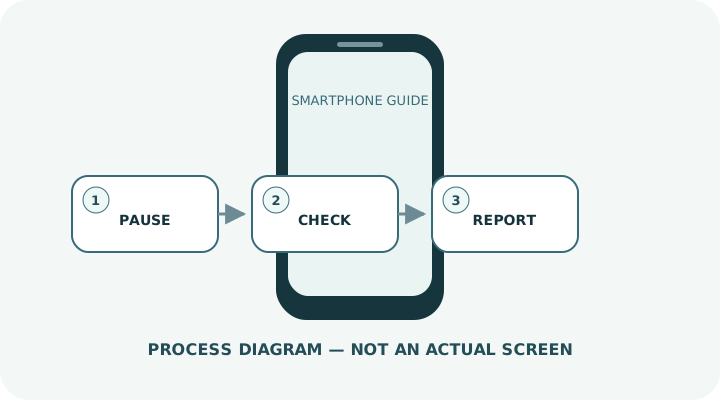
Change one condition and retest
Work from the top and stop as soon as the issue is resolved. Read every confirmation screen before moving to a higher-impact action.
- 1Do not tap the message link; check the claim through the official app or a bookmark you created yourself.
- 2Read the full domain and look for character substitutions, misleading subdomains and shortened URLs.
- 3Do not enter passwords, card data or one-time codes requested by the message.
- 4If you only opened the page, close it and check that nothing was downloaded and no profile was installed.
- 5If you entered credentials, change the password immediately from the official site, update reused passwords, and review sessions and two-step verification.
- 6If you entered card data, contact the card issuer; if you installed an app, disconnect and seek official support.
- 7Report the message as spam and preserve only the evidence needed.
Do not erase the evidence before isolating the cause
- Trusting a message because the sender name resembles a company
- Using a search advertisement and landing on another fake page
- Deleting all evidence before reviewing what happened
Prepare for a faster diagnosis next time
- Use unique passwords with a password manager
- Enable two-step verification for important accounts
Frequently asked questions
What if my screen looks different?
Labels and locations vary by OS, manufacturer, model and region. Use Settings search and check the manufacturer’s model-specific instructions.
What if I am unsure partway through?
Go back and confirm that no action has been committed. Do not proceed through an erase or account-change warning until you understand it.
What if the problem remains?
Test another connection or accessory where relevant, verify backups, then contact the manufacturer or carrier through official support.