
Start with “Confirm the phone and charger support a compatible wireless standard”
Do not assume the cause from the symptom alone. First determine whether the issue affects the whole phone, one app, one connection, or one accessory. Work from low-impact checks toward recovery or repair.
- Confirm the phone and charger support a compatible wireless standard
- Remove metal plates, magnets, cards, and thick cases
- Verify that wired charging works normally
Separate “Confirm the phone and charger support a compatible wireless standard” from “Remove metal plates, magnets, cards, and thick cases”
| Scope of the issue | Where to check next |
|---|---|
| Only one app is affected | Check app permissions, updates, storage, cache, and reinstall options |
| The whole phone is affected | Check restart, system updates, free storage, and system settings |
| Other devices have the same issue | Check the network, service, charger, or accessory |
| The issue began after a drop or liquid exposure | Avoid repeated power or charging attempts and contact official support |
Diagnostic order for Wireless Charging Not Working or Stops: Alignment and Safety Chec
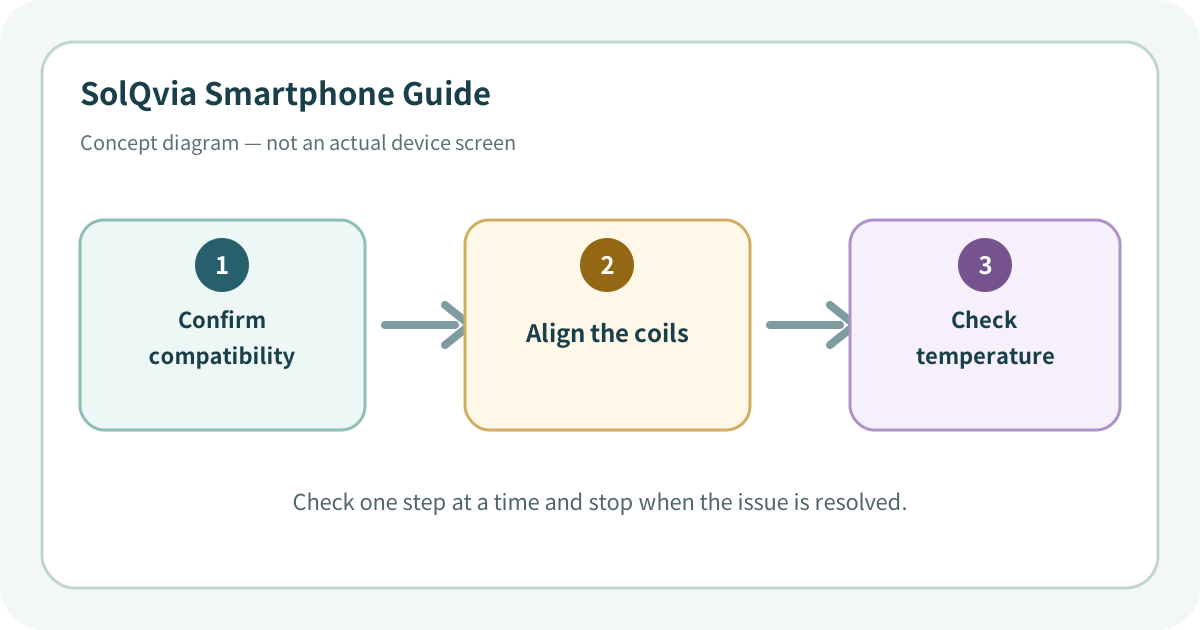
Use the lowest-impact sequence first
Complete one step at a time and test after each change. Do not change several settings at once.
- 1Check the pad’s adapter and cable and connect it to the manufacturer-recommended power source.
- 2Remove the case, metal ring, cards, and magnetic accessories.
- 3Align the phone and charging coils, then watch for several minutes to ensure the charging indicator remains active.
- 4Compare another compatible phone or charging pad to isolate the faulty side.
- 5Let a hot phone cool and review optimized-charging or charge-limit messages.
- 6Stop immediately if there is foreign-object detection, severe heat, burning odor, deformation, or visible damage.
Do not erase the evidence before isolating the cause
- Placing metal cards, keys, or objects between the phone and charger
- Leaving a misaligned phone heating for a long time
- Using a damaged or deformed charging pad
Prevent the issue from returning
- Use a certified charger compatible with the phone
- Keep both charging surfaces clean and confirm the charging indicator each time
Frequently asked questions
What if my screen looks different?
Menu names and locations vary by OS, manufacturer, model, region, and software version. Use the Settings search field and check the manufacturer guide for your exact model.
When should I stop troubleshooting?
Stop as soon as the issue is fixed. Change one setting at a time so you can identify what solved the problem and reverse it if necessary.
What should I do if the issue remains?
Record how to reproduce it, verify your backup, and contact the manufacturer, carrier, or app provider most closely related to the problem.