
Start with “Verify backup or cloud sync is complete”
Do not begin with a broad reset. Check the following first so you can isolate the problem and avoid unnecessary data loss or reconfiguration.
- Verify backup or cloud sync is complete
- Check whether deleting from the device also deletes the cloud copy
- Include message attachments and downloads in the review
The key boundary to diagnose first
Separate local storage, cloud storage, and in-app storage; classify large files first.
Do not delete photos or app data before verifying synchronization.
Escalate with device, OS, error, and reproduction details when the issue persists after restart, controlled comparison, and update checks, or when physical damage, abnormal heat, account suspension, or carrier provisioning is suspected.
Understand which layer owns the behavior
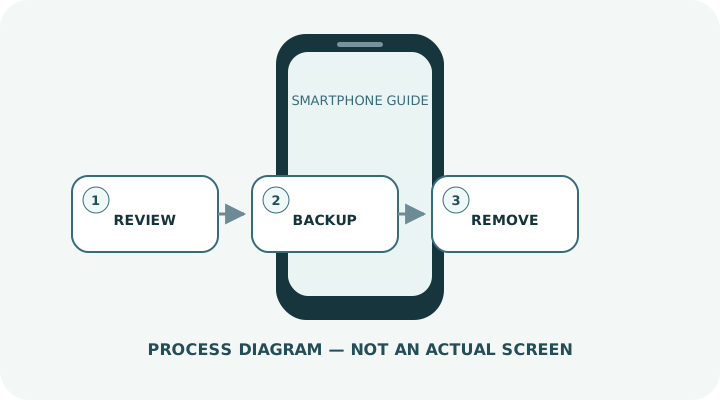
Change one condition and retest
Work from the top and stop as soon as the issue is resolved. Read every confirmation screen before moving to a higher-impact action.
- 1Open the Storage settings and identify the largest categories.
- 2Start with unnecessary videos, screen recordings, bursts and duplicates; Recently Deleted may still use space.
- 3Before removing an unused app, confirm how its local data and account recovery work.
- 4Review downloaded music, video, maps and podcasts.
- 5Check browser downloads and large message attachments.
- 6When using cloud optimization, remember that originals may need to be downloaded again later.
Do not erase the evidence before isolating the cause
- Bulk-deleting photos before verifying a backup
- Trying to remove unknown system files
- Giving a “cleaner” app broad access to photos or contacts
Prepare for a faster diagnosis next time
- Keep a reasonable free-space margin before OS updates
- Review large files and downloads monthly
Frequently asked questions
What if my screen looks different?
Labels and locations vary by OS, manufacturer, model and region. Use Settings search and check the manufacturer’s model-specific instructions.
What if I am unsure partway through?
Go back and confirm that no action has been committed. Do not proceed through an erase or account-change warning until you understand it.
What if the problem remains?
Test another connection or accessory where relevant, verify backups, then contact the manufacturer or carrier through official support.