
Start with “If the phone is hot, stop charging or intensive use and let it cool”
Do not begin with a broad reset. Check the following first so you can isolate the problem and avoid unnecessary data loss or reconfiguration.
- If the phone is hot, stop charging or intensive use and let it cool
- Check whether storage is nearly full
- Identify apps installed or updated shortly before the problem
The key boundary to diagnose first
Separate storage pressure, heat, a specific app, background work, and post-update activity.
Do not add unknown cleaner or booster apps.
Escalate with device, OS, error, and reproduction details when the issue persists after restart, controlled comparison, and update checks, or when physical damage, abnormal heat, account suspension, or carrier provisioning is suspected.
Understand which layer owns the behavior
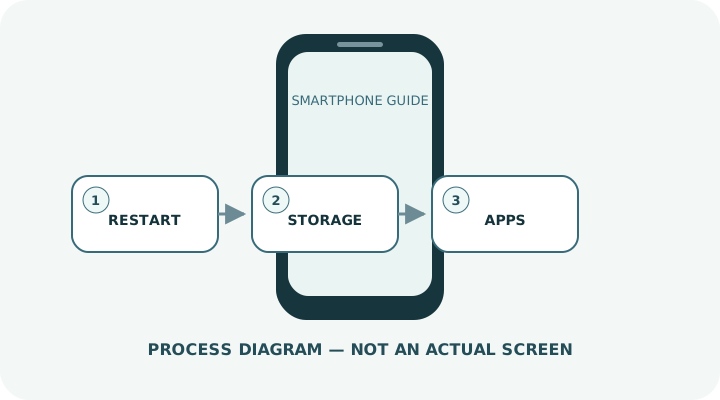
Change one condition and retest
Work from the top and stop as soon as the issue is resolved. Read every confirmation screen before moving to a higher-impact action.
- 1Use a normal restart if the screen responds; otherwise use the model-specific force-restart procedure.
- 2Check for operating-system and app updates.
- 3Review free storage and remove unnecessary videos, duplicate files and offline content. Android notes that issues may begin when less than 10% of storage is free.
- 4If one app triggers the freeze, close, update, clear its temporary data where appropriate, then reinstall if needed.
- 5On supported Android devices, Safe Mode can help identify a third-party app problem.
- 6If nothing helps, back up before a factory reset and contact the manufacturer when hardware failure is possible.
Do not erase the evidence before isolating the cause
- Installing multiple task-killer or memory-cleaner apps
- Rapidly cooling a hot phone in a refrigerator or against ice
- Factory-resetting without a verified backup
Prepare for a faster diagnosis next time
- Review photos and videos regularly
- Avoid untrusted “optimizer” apps
- Check free space and backups before major updates
Frequently asked questions
What if my screen looks different?
Labels and locations vary by OS, manufacturer, model and region. Use Settings search and check the manufacturer’s model-specific instructions.
What if I am unsure partway through?
Go back and confirm that no action has been committed. Do not proceed through an erase or account-change warning until you understand it.
What if the problem remains?
Test another connection or accessory where relevant, verify backups, then contact the manufacturer or carrier through official support.