
Start with “Try more than one valid phone number”
Do not assume the cause from the symptom alone. First determine whether the issue affects the whole phone, one app, one connection, or one accessory. Work from low-impact checks toward recovery or repair.
- Try more than one valid phone number
- Look for No service, Emergency calls only, or Airplane mode indicators
- Check carrier billing, suspension, roaming, and plan conditions
The key boundary to diagnose first
Determine whether only outgoing calls or the entire line is affected; check voice SIM, VoLTE, and account restrictions.
Never use emergency numbers for testing.
Escalate with device, OS, error, and reproduction details when the issue persists after restart, controlled comparison, and update checks, or when physical damage, abnormal heat, account suspension, or carrier provisioning is suspected.
Separate “Try more than one valid phone number” from “Look for No service, Emergency calls only, or Airplane mode indicators”
| Scope of the issue | Where to check next |
|---|---|
| Only one app is affected | Check app permissions, updates, storage, cache, and reinstall options |
| The whole phone is affected | Check restart, system updates, free storage, and system settings |
| Other devices have the same issue | Check the network, service, charger, or accessory |
| The issue began after a drop or liquid exposure | Avoid repeated power or charging attempts and contact official support |
Diagnostic order for Phone Cannot Make Calls: Network, SIM, and Account Checks
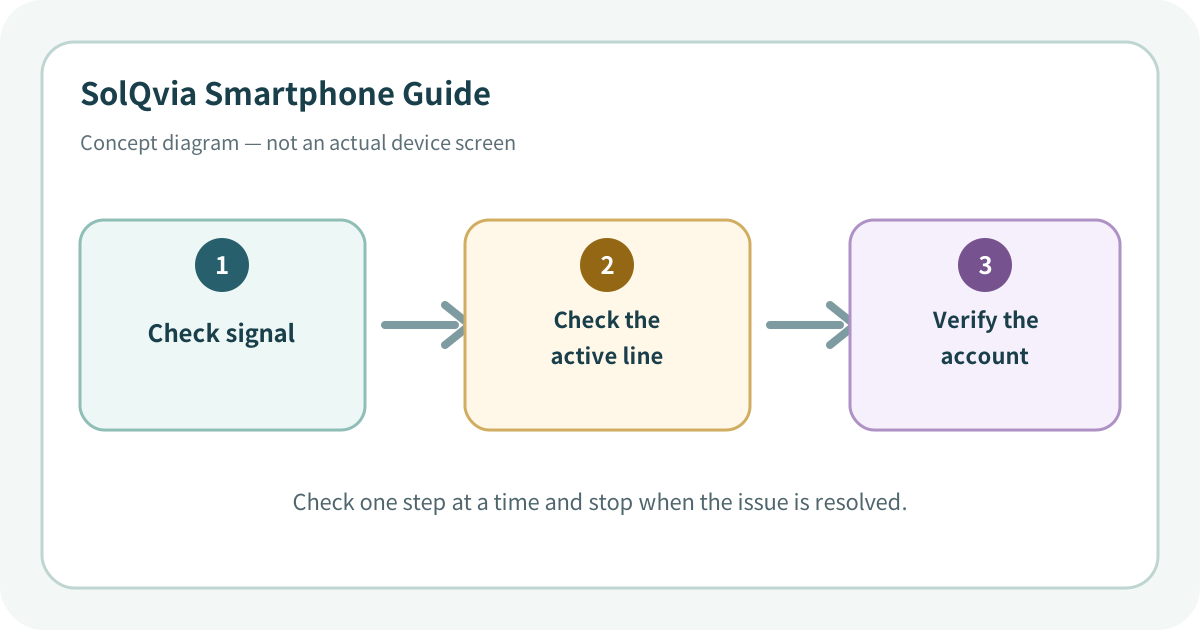
Use the lowest-impact sequence first
Complete one step at a time and test after each change. Do not change several settings at once.
- 1Turn Airplane mode on for about ten seconds, then turn it off to register with the network again.
- 2Restart the phone and confirm the correct SIM or eSIM is active and selected for outgoing calls.
- 3Review caller-ID, call barring, fixed dialing, and call-blocking apps that might prevent outgoing calls.
- 4Move to another location and check the carrier outage and coverage information.
- 5Install carrier settings, network configuration, and OS updates. Reseat a physical SIM only as instructed by the carrier.
- 6If calls fail to several numbers in several locations, ask the carrier to verify account provisioning before requesting device diagnostics.
Do not erase the evidence before isolating the cause
- Calling emergency services merely to test the phone
- Guessing a SIM PIN or PUK repeatedly
- Factory-resetting before the carrier verifies the line
Prevent the issue from returning
- Maintain access to the carrier app or account portal
- Keep an alternative way to contact critical people and services
Frequently asked questions
What if my screen looks different?
Menu names and locations vary by OS, manufacturer, model, region, and software version. Use the Settings search field and check the manufacturer guide for your exact model.
When should I stop troubleshooting?
Stop as soon as the issue is fixed. Change one setting at a time so you can identify what solved the problem and reverse it if necessary.
What should I do if the issue remains?
Record how to reproduce it, verify your backup, and contact the manufacturer, carrier, or app provider most closely related to the problem.
Did this guide help resolve the problem?
The response is used only to prioritize article improvements. No personal details or typed content are collected.
One response per article is recorded during the current browser session.